Creating a home office that is both relaxing and productive can significantly improve your work-from-home experience. Whether you have a dedicated room or a small corner, thoughtful planning and design can help you stay focused and comfortable throughout the day. In this post, we’ll explore practical tips to make your home office a place where you can work efficiently without feeling stressed.
Why a Relaxing Home Office Matters
Working from home blurs the boundaries between your personal and professional life. If your workspace is cluttered or uncomfortable, it often leads to distractions, stress, and decreased productivity. A relaxing and pleasant office environment helps you maintain focus, encourages creativity, and supports your well-being.
Choose the Right Location
Consider Natural Light
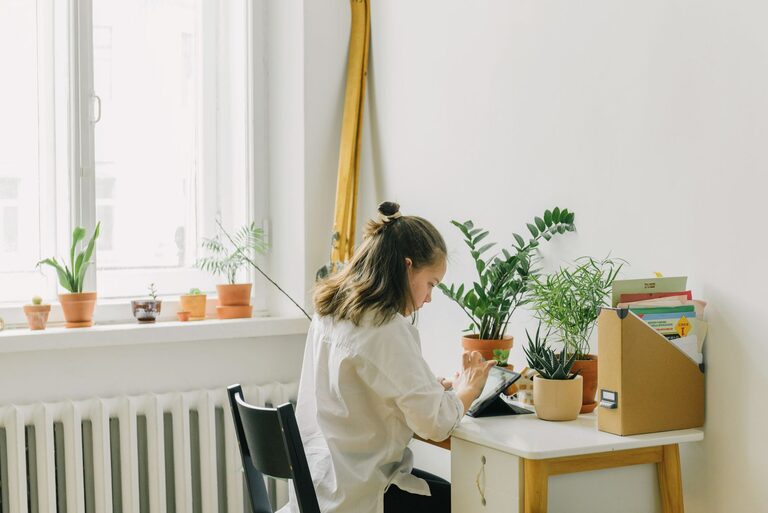
Try to place your desk near a window where you can get natural sunlight. Natural light improves mood, energy, and alertness. Avoid harsh glares by using sheer curtains or adjustable blinds.
Minimize Noise
Select a quiet part of your home if possible. Use rugs, curtains, or soft furnishings to absorb sound. If background noise is unavoidable, consider noise-canceling headphones or a white noise machine.
Invest in Comfortable and Functional Furniture
Ergonomic Desk and Chair
An adjustable chair with good lumbar support is essential to prevent back pain. Pair it with a desk at the right height to keep your arms at a comfortable angle when typing.
Desk Space and Storage
Ensure your desk has enough surface area for your computer, notebooks, and essential tools. Use shelves, drawers, or organizers to keep supplies handy but out of the way.
Optimize Lighting
Layer Your Lighting
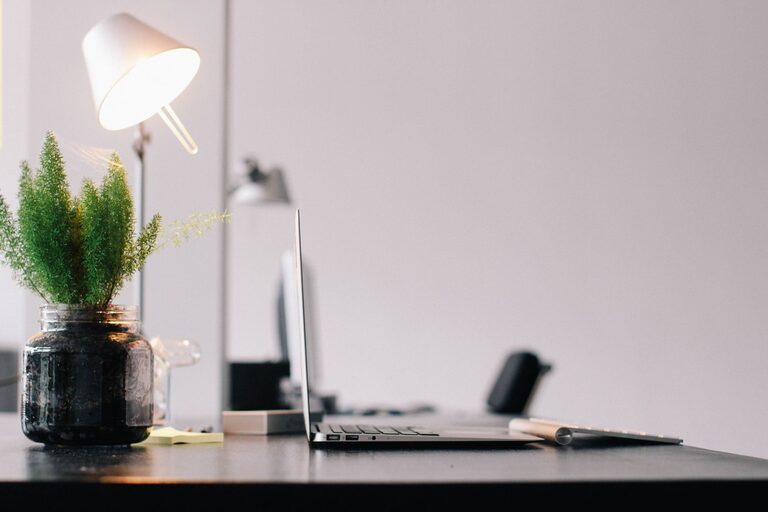
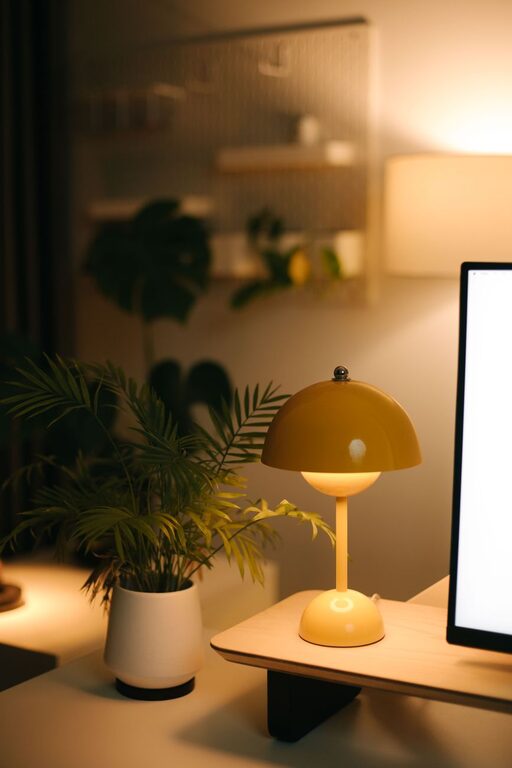
Combine natural light with ambient lighting and a focused task lamp. This layered approach reduces eye strain and creates a warm, inviting atmosphere.
Use Warm-Light Bulbs
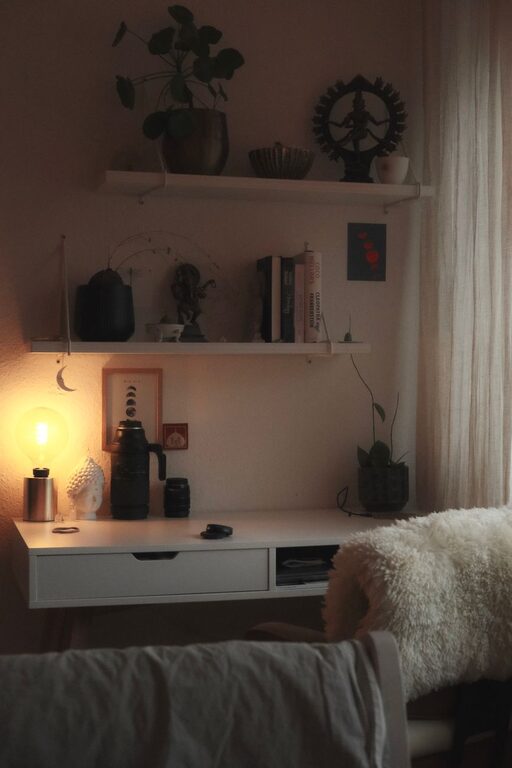
Bulbs with warm tones (2700–3000K) create a relaxing environment, which can reduce stress and fatigue during long hours.
Create an Organized Layout
Declutter Regularly
A tidy workspace allows you to focus better. Regularly clear unnecessary items and keep only what you need.
Cable Management
Use cable clips, sleeves, or boxes to keep cords neatly organized. This helps prevent a messy look and reduces hazards.
Add Personalized Comfort Elements
Incorporate Plants
Indoor plants improve air quality and add a touch of nature to your workspace. Choose low-maintenance plants like succulents, snake plants, or pothos.
Use Soft Textiles
Add cushions, a cozy throw, or a rug to make the space more inviting and comfortable.
Display Inspiring Items
Place a few personal photos, artwork, or motivational quotes where you can see them, but avoid overcrowding your desk.
Manage Technology Mindfully
Use Quality Equipment
Invest in a reliable computer, keyboard, and mouse to reduce frustration and increase efficiency.
Set Up for Video Calls
Position your webcam at eye level and ensure good lighting for professional video meetings.
Limit Distractions
Turn off unnecessary notifications and consider apps that help you focus by blocking distracting websites during work hours.
Develop a Routine for Work and Breaks
Define Your Work Hours
Try to stick to a regular schedule. This helps you separate work time from personal time and reduces burnout.
Take Regular Breaks
Follow the 20-20-20 rule: every 20 minutes, look at something 20 feet away for 20 seconds to reduce eye strain. Stand up, stretch, or take a short walk every hour.
Final Thoughts
Creating a relaxing and productive home office space is achievable with some thoughtful adjustments. By considering your environment, furniture, lighting, and organization, you can cultivate a workspace that not only boosts your productivity but also supports your mental and physical well-being. Remember, the most important aspect is that your workspace feels comfortable and suits the way you work best. Happy decorating!
About the Author